Connecting PayPal
To send automated payouts to your ambassadors, connect your PayPal Business account to SweetRep.
Prerequisites
- A PayPal Business account (personal accounts cannot send batch payouts).
- API credentials from your PayPal Developer Dashboard.
- The Payouts product enabled on your PayPal app — this is a separate approval you apply for (see step 5 below). Valid credentials alone are not enough to send money.
Getting your PayPal API keys
1
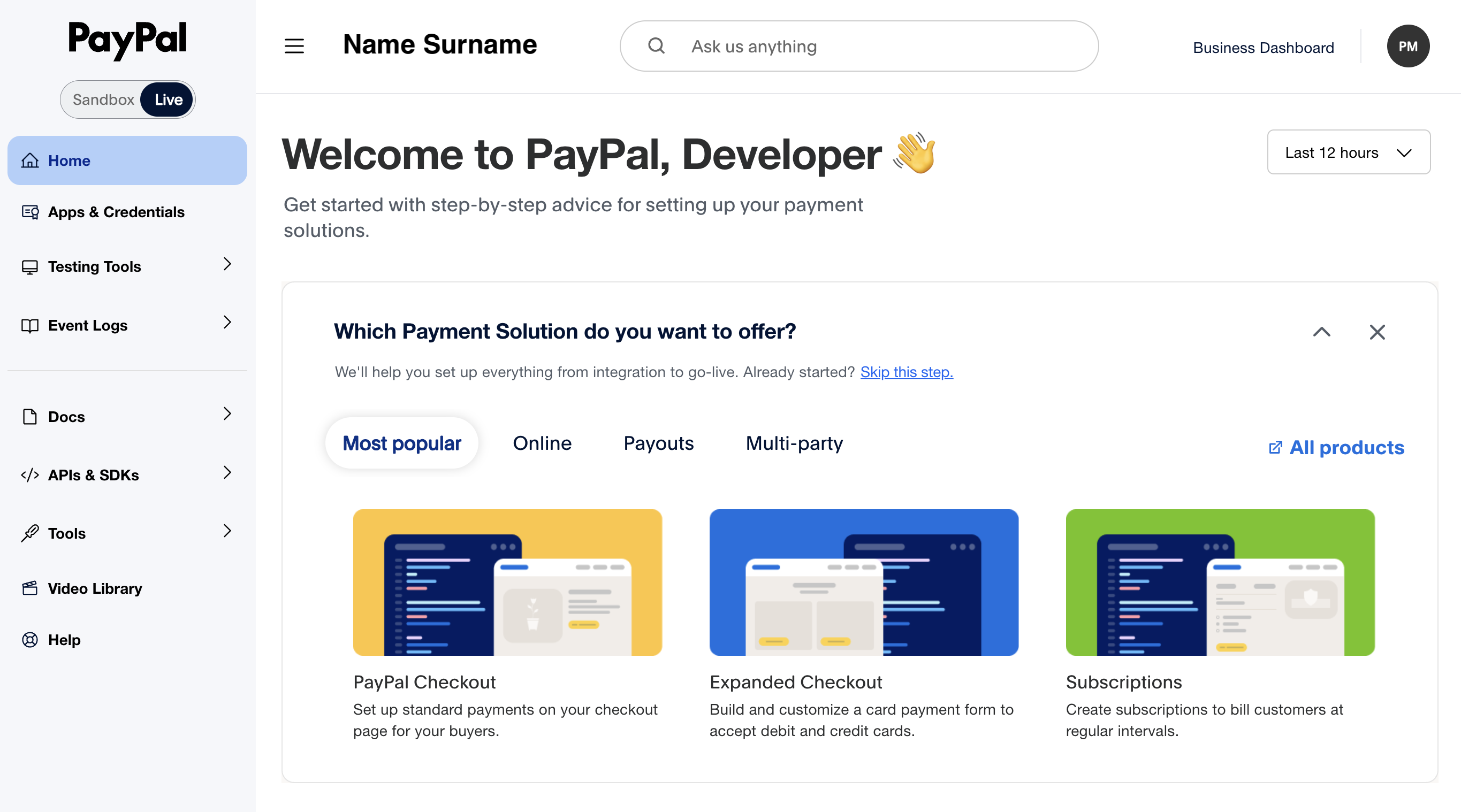
Log in to PayPal Developer Dashboard
Go to developer.paypal.com and log in with your PayPal Business account.
2
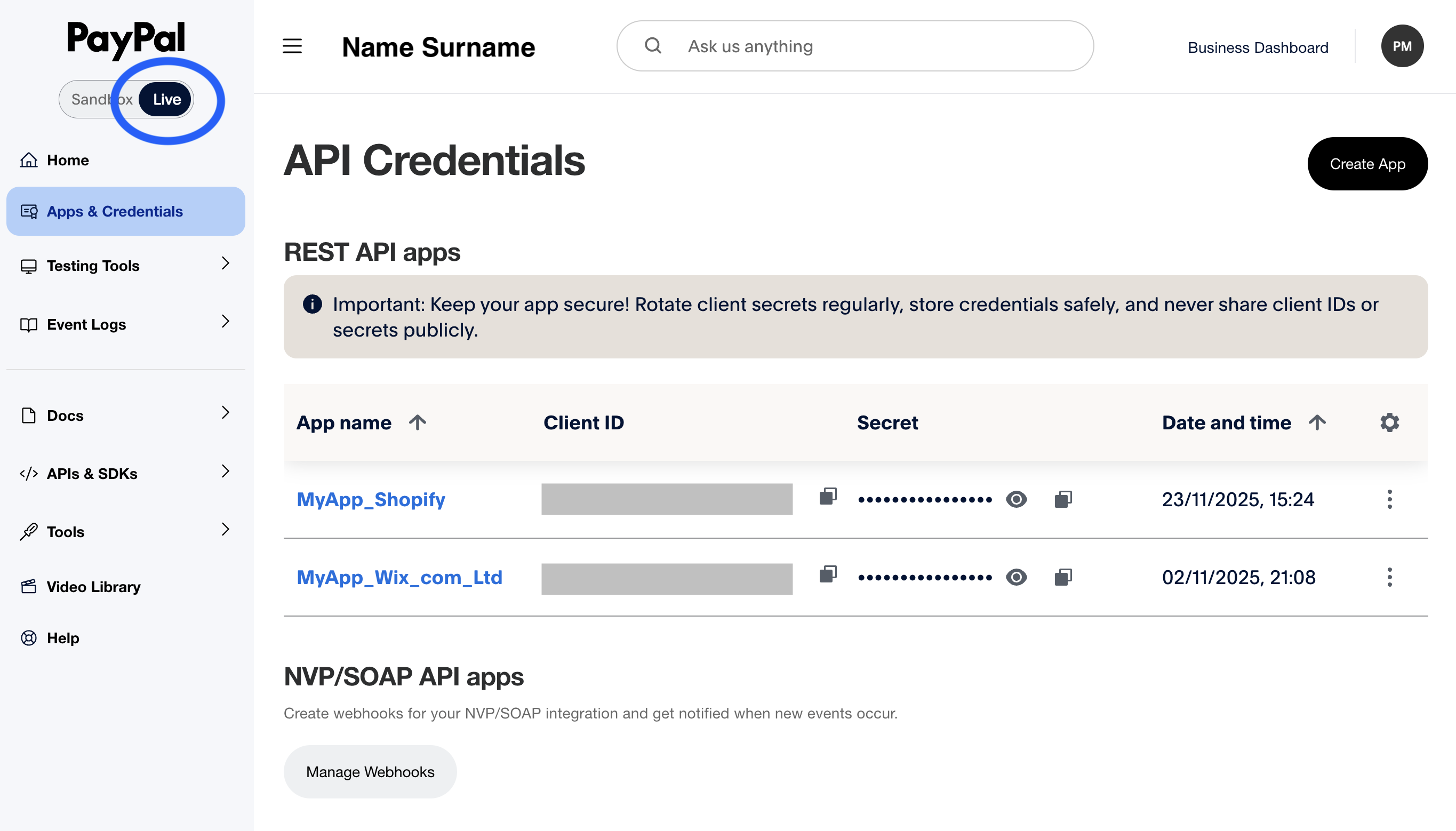
Navigate to Apps & Credentials
Click Apps & Credentials in the sidebar. Make sure you're on the Live tab (not Sandbox).
3
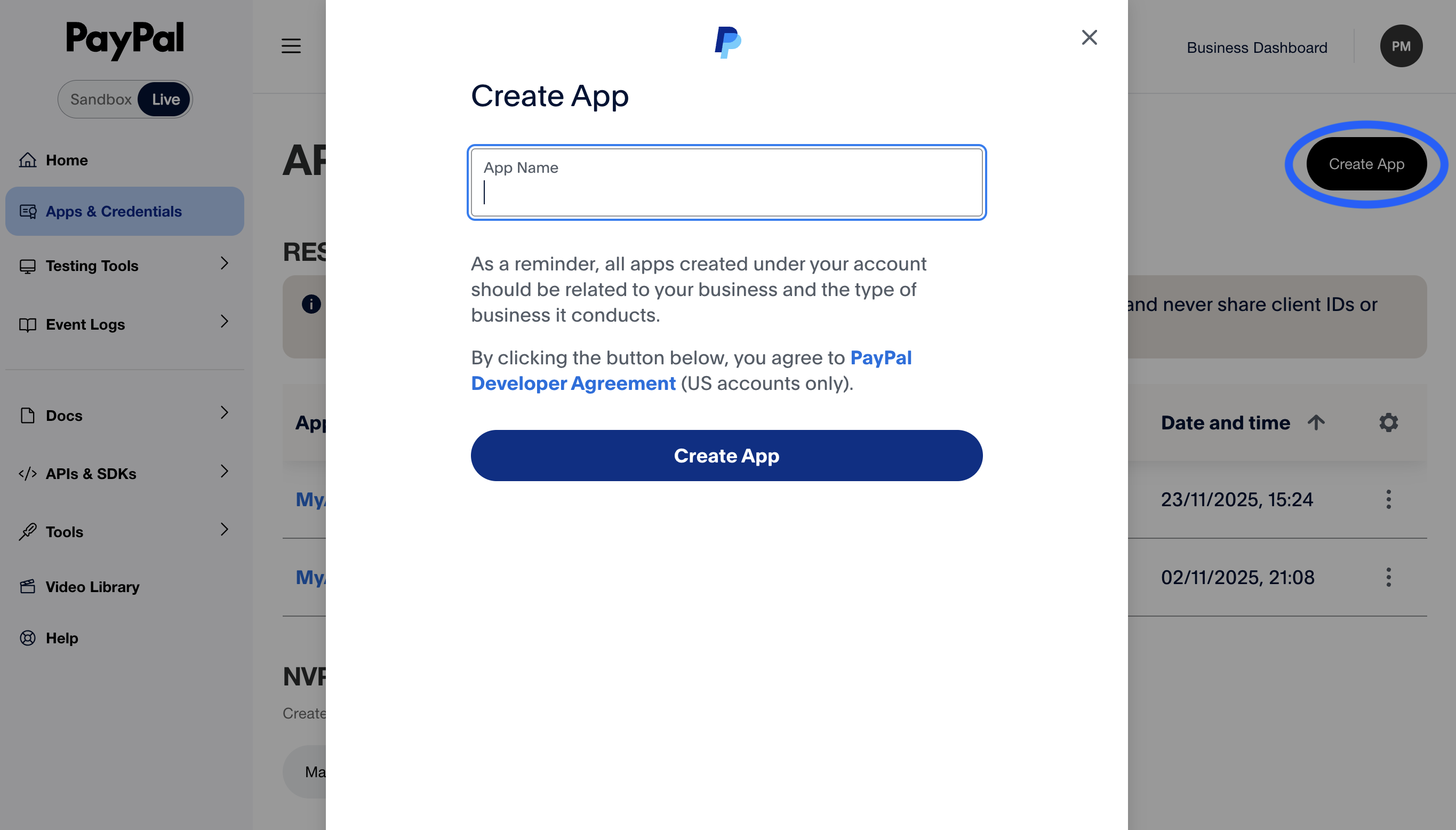
Create a new app
Click Create App. Give it a name like "SweetRep Payouts". Select your business account as the associated account.
4
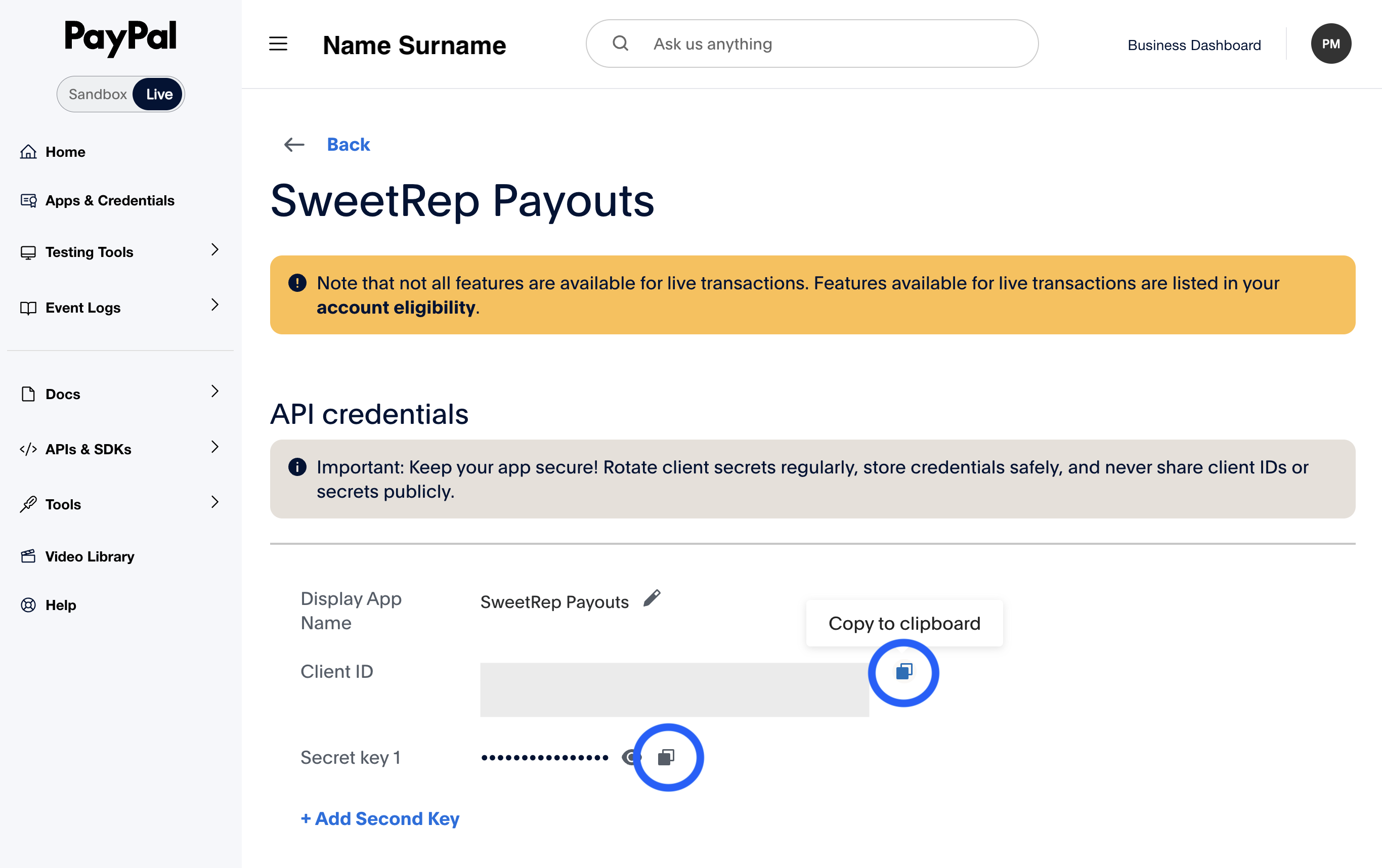
Copy your credentials
After creating the app, you'll see your Client ID and Secret. Copy both — you'll need them in the next step.
5
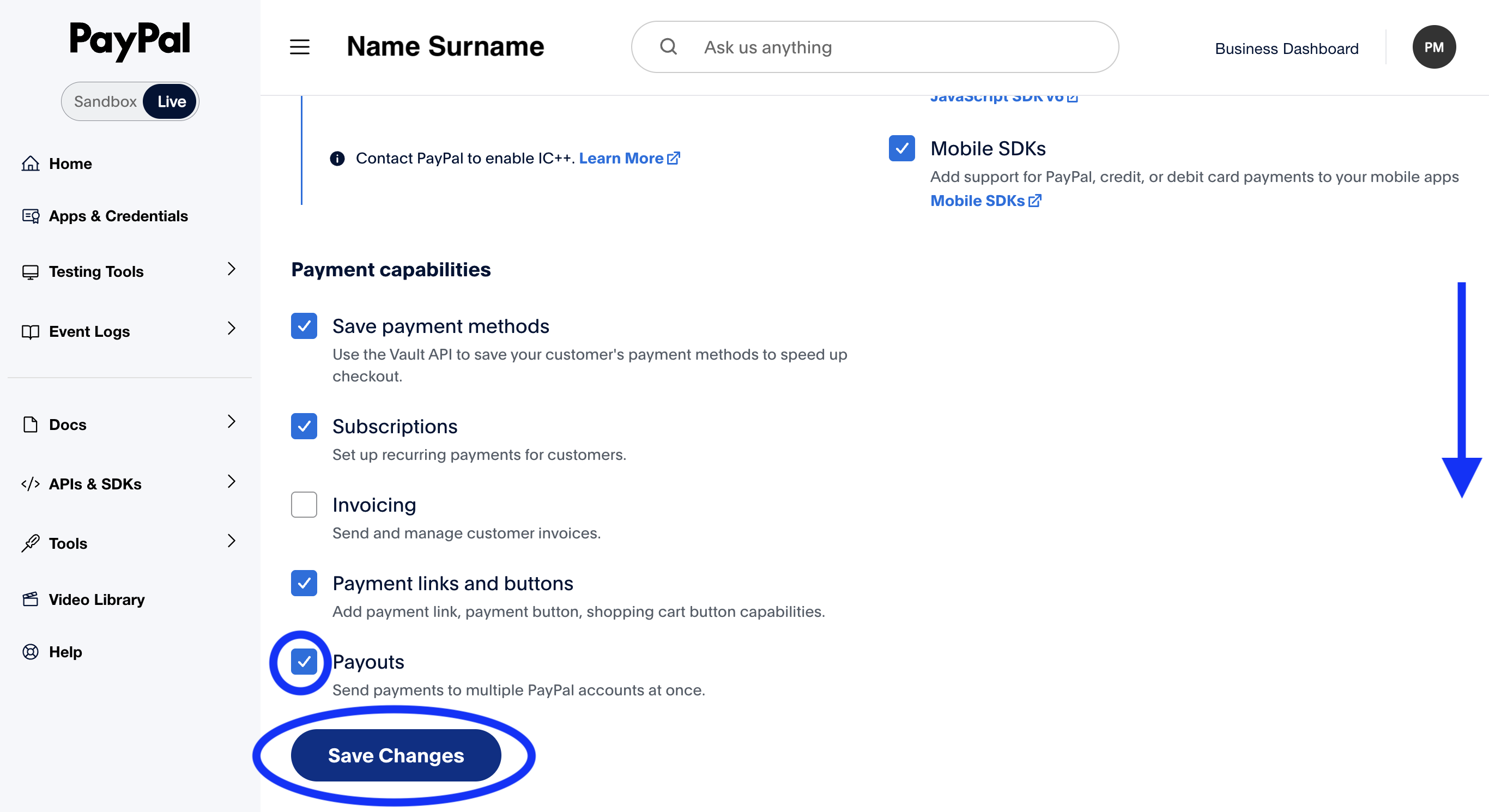
Enable the Payouts product (required)
Scroll down to the Features section of your app and tick Payouts. This submits an application to PayPal — Payouts is a separate product that PayPal reviews and approves, usually within a few business days. If the option isn't available, contact PayPal support to request Payouts on your business account.
Warning
Connecting in SweetRep
1
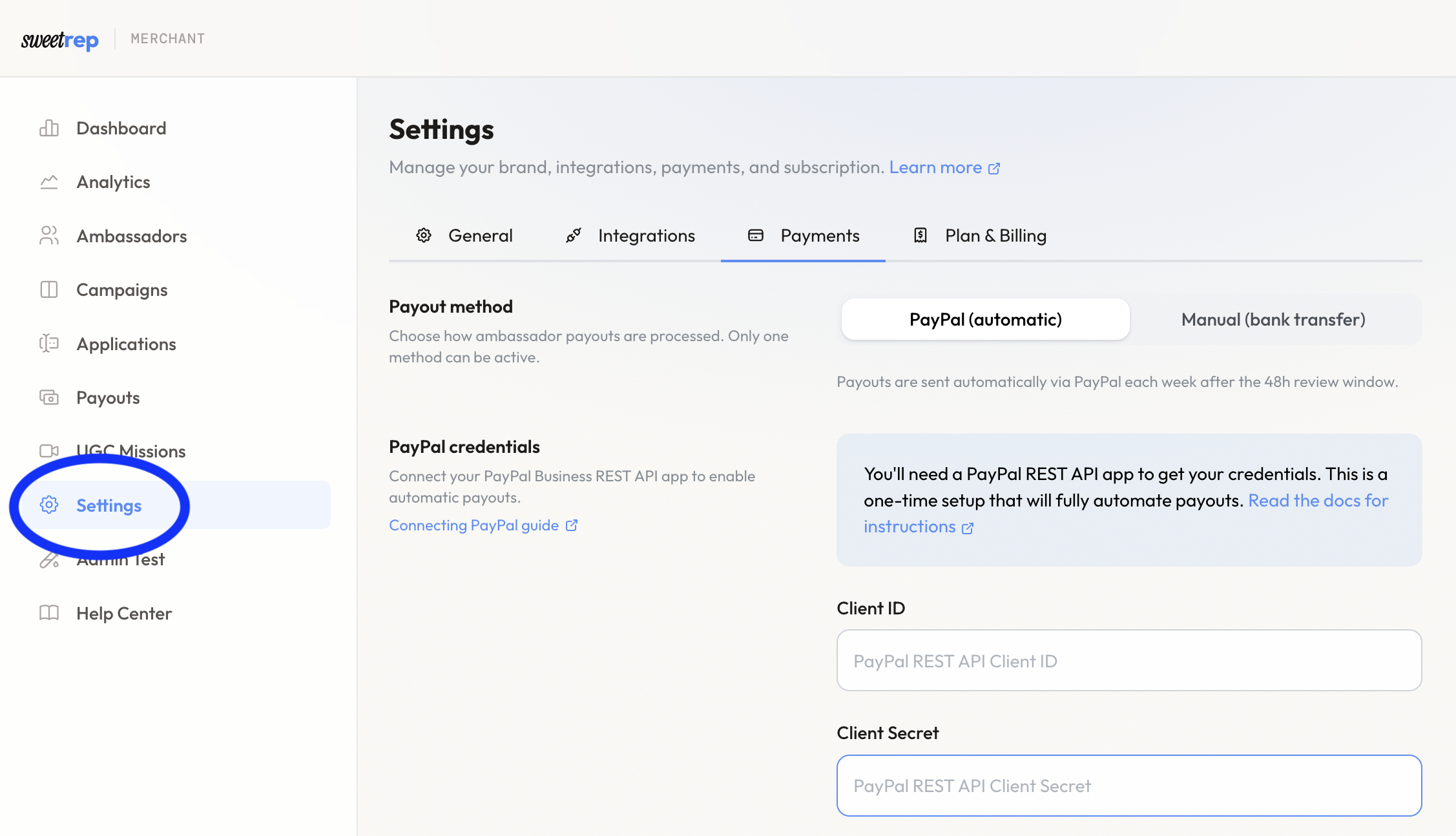
Open Settings
Go to Settings in the merchant sidebar.
2
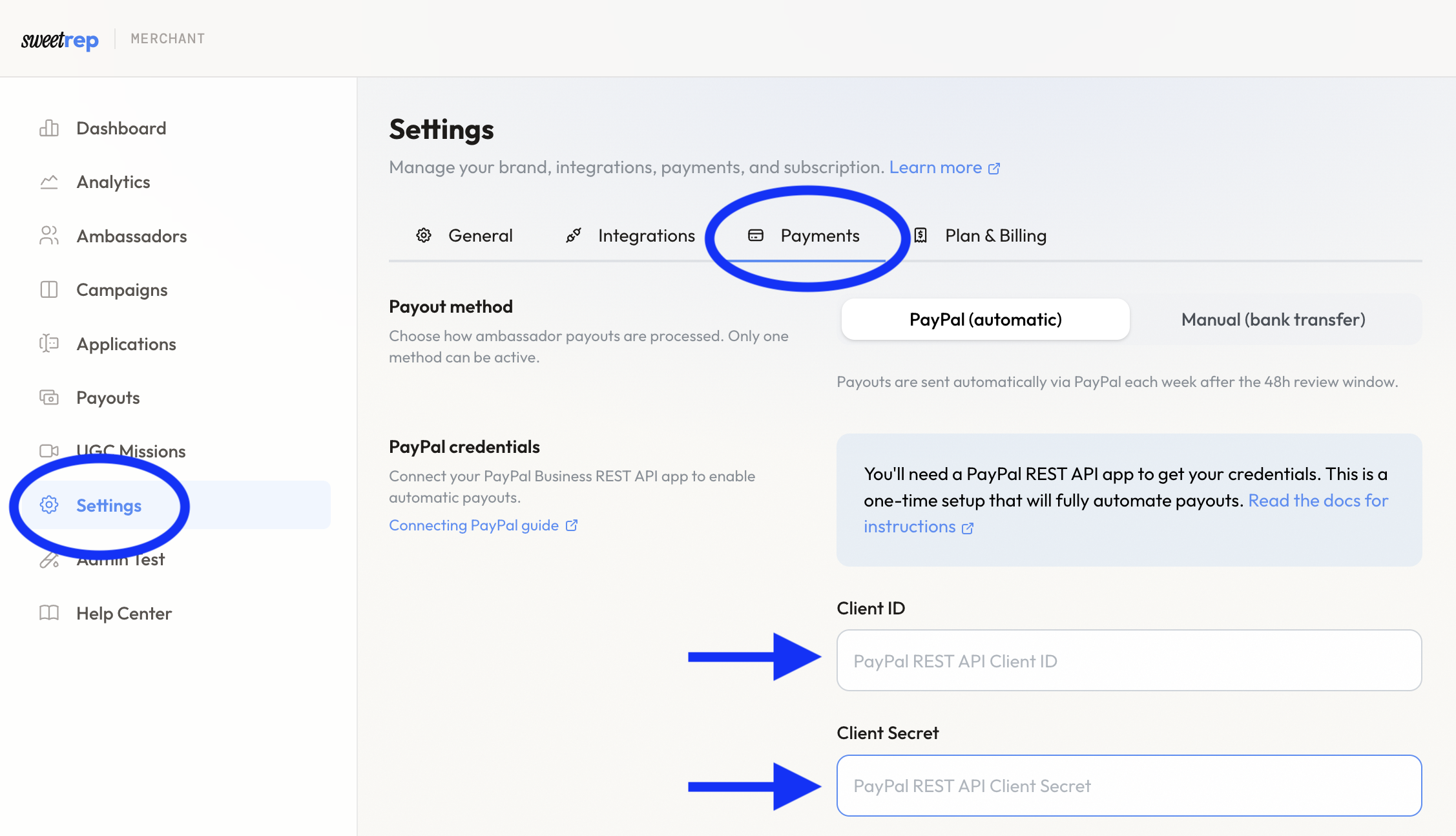
Enter PayPal credentials
In the PayPal Configuration section, enter your Client ID and Secret. Click Save.
3
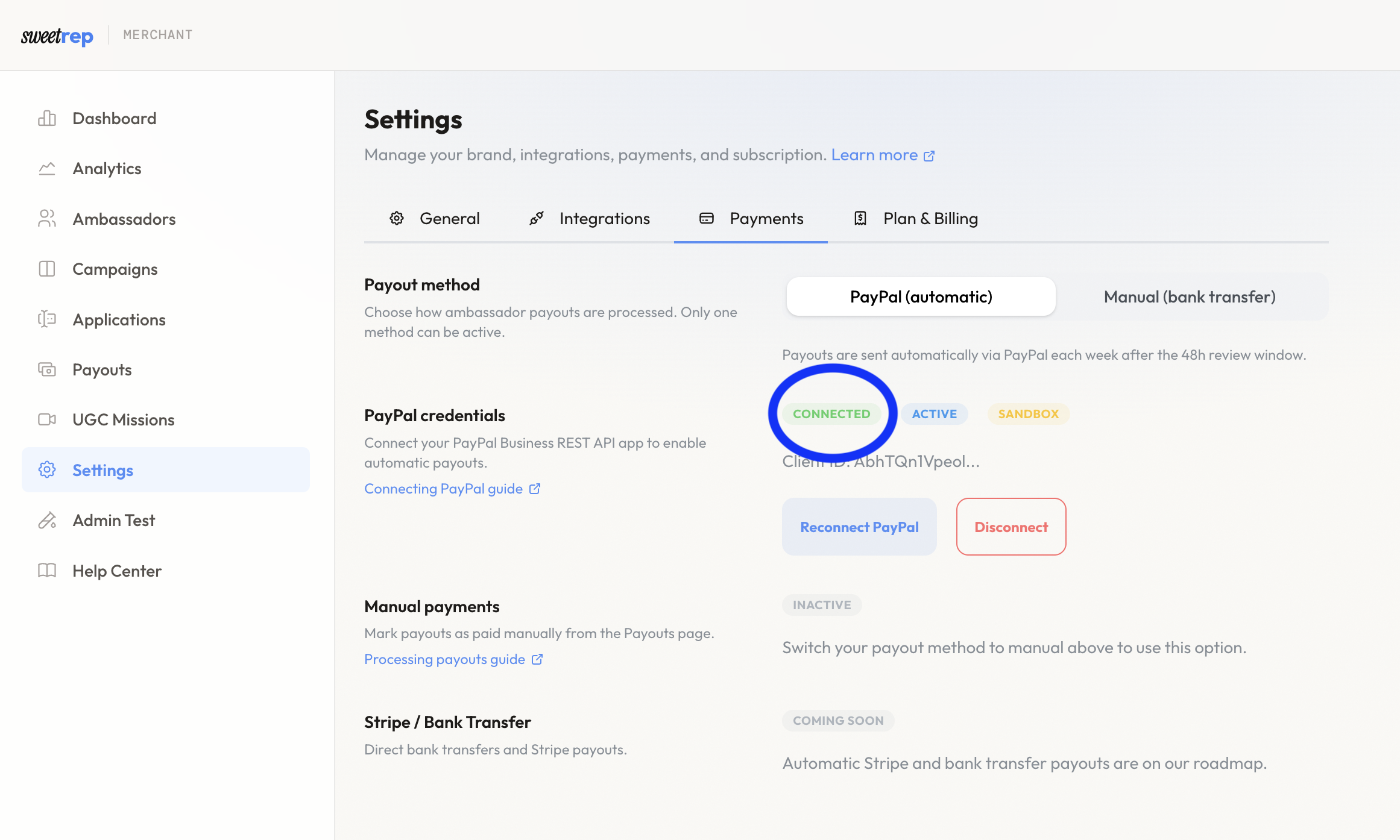
Verify the connection
SweetRep will validate your credentials. If successful, you'll see a Connected status.
Warning
Without PayPal
If you prefer not to use PayPal, you can still process payouts manually using the Mark as Paid feature. See Processing Payouts for details.